One of the biggest misconceptions beginners have about graphic design is that professional designers create everything from scratch.
They don't.
In reality, experienced designers spend a significant amount of time collecting references, researching ideas, organising resources, and finding the right assets before they even begin designing.
Think about a chef preparing a meal. Before cooking starts, ingredients need to be selected, prepared, and organised. Design works in a similar way.
A great designer isn't just someone who knows Photoshop, Illustrator, or Figma. A great designer knows where to find inspiration, how to choose the right resources, and how to combine those resources into something unique.
The internet is filled with websites offering fonts, icons, mockups, stock photos, illustrations, textures, and design inspiration. The challenge isn't finding resources anymore. The challenge is finding the right ones.
This guide brings together some of the most useful resources graphic designers use every day. Whether you're a design student, a beginner exploring graphic design as a career, or a freelancer looking to improve your workflow, this resource library will help you discover tools that can save hours of work and spark better ideas.
Let's start with the foundation.
Why Every Graphic Designer Needs a Resource Library
Imagine opening a blank canvas with no inspiration, no fonts, no images, and no references.
That's a difficult place to start. Professional designers build personal resource libraries because they help in four major ways.
Faster Workflow
Instead of spending hours searching for assets every time a project arrives, designers already know where to find what they need. This dramatically reduces project time.
Better Creativity
Creativity doesn't come from staring at a blank screen. It often comes from seeing ideas, exploring styles, and connecting inspiration from different places.
The more references you collect, the more creative possibilities you discover.
Finding Inspiration
Every design project starts with research. Before creating a logo, poster, website, or social media campaign, designers study existing work to understand trends, layouts, typography, colors, and visual direction.
Working Like Professionals
The best designers aren't working harder. They're working smarter. Having a curated collection of resources allows them to focus more on solving design problems rather than searching endlessly for assets.
Best Websites for Design Inspiration and References
One of the first things designers do before starting a project is gather references. References help you understand what already exists and identify opportunities to create something better.
Awwwards
Awwwards is one of the best places to discover award-winning websites.
If you're designing websites, landing pages, portfolios, or digital products, you'll find high-quality examples from around the world.
Minimal.gallery (Need to use VPN)
This platform focuses on clean and minimal website designs. It's particularly useful when you're working on modern brands, startups, portfolios, or SaaS websites.
Cosmos.so
Cosmos feels like a giant visual discovery platform where creatives save and organize inspiration. It's great for finding layouts, branding ideas, typography references, and visual trends.
Behance
Behance is essentially a portfolio platform for designers. You'll find branding projects, packaging designs, illustrations, posters, social media campaigns, and much more.
If you want to understand how professional projects are presented, Behance is incredibly useful.
Dribbble
Dribbble offers quick visual inspiration. Instead of full case studies, you'll find snapshots of design work ranging from logos and icons to websites and mobile apps.
Many designers use Pinterest as a visual search engine. Whether you're designing a café logo, wedding invitation, skincare brand, or fashion campaign, Pinterest can quickly help you collect moodboards and references.
Landbook
Landbook specialises in website inspiration. It's especially useful when working on modern business websites and landing pages.
Godly.website
This platform showcases creative and unconventional web experiences. If you're tired of seeing repetitive layouts, Godly.website can introduce fresh ideas.
Lapa Ninja
Lapa Ninja is known for landing page inspiration. Designers often use it to study layouts, hero sections, testimonials, pricing tables, and call-to-action sections.
Where Graphic Designers Find Fonts
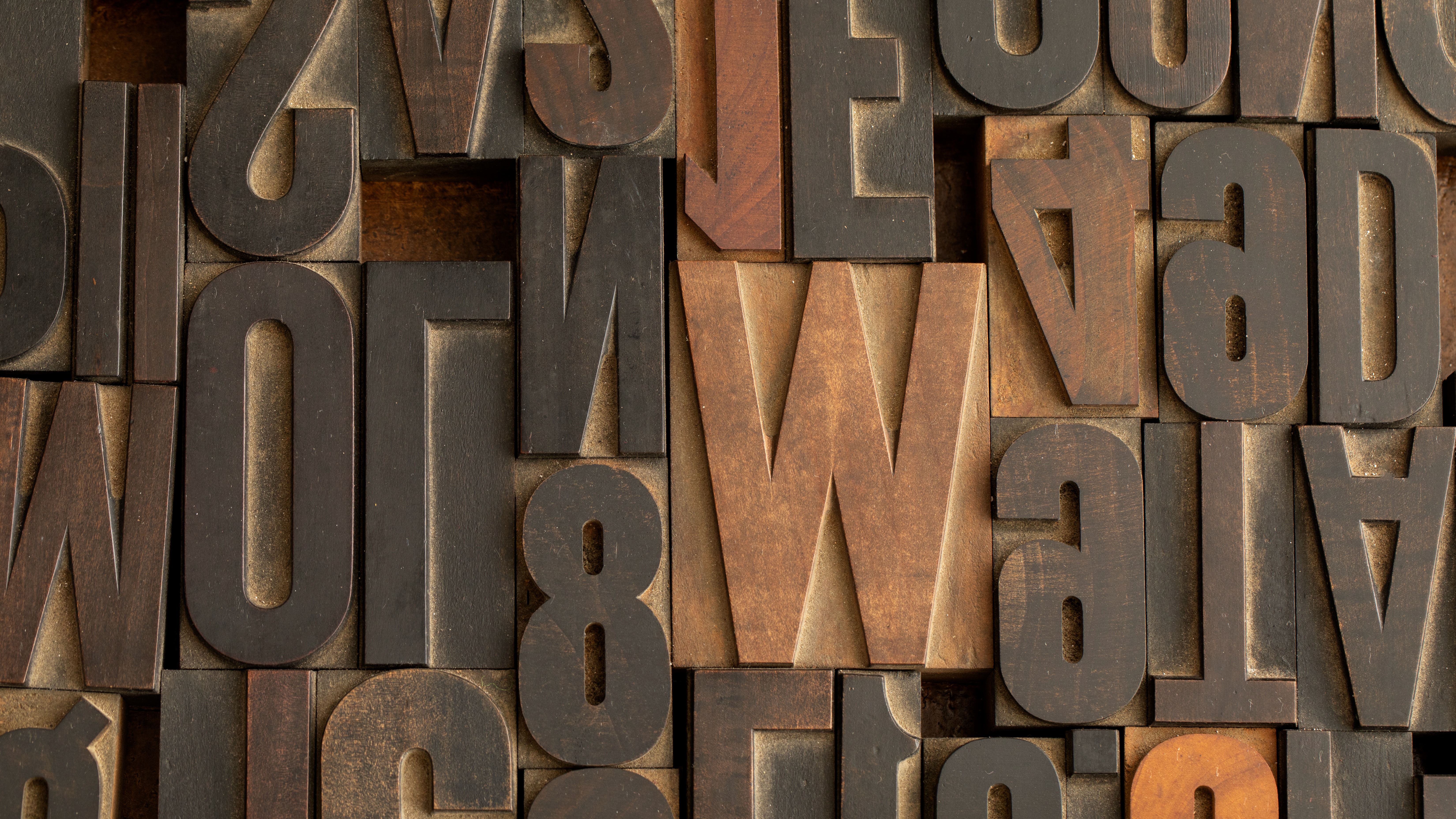
Typography is simply the art of arranging text. If you want to understand the principles behind typography in graphic design, fonts often determine whether a design feels professional or amateur.
A luxury brand, a gaming poster, and a children's toy company shouldn't all use the same typeface. That's why choosing fonts matters.
Dirtyline Studio (Paid)
Popular for experimental and display fonts that grab attention. Great for posters, album covers, and bold branding projects.
Freeface Gallery
A fantastic collection of unique typefaces curated for designers looking beyond common fonts.
Uncut.wtf
Known for showcasing contemporary and independent type foundries. Excellent for discovering fresh typography trends.
Adobe Fonts
One of the most reliable sources for professional-quality fonts. Especially useful for branding and client projects.
Google Fonts
Free, accessible, and widely used. Perfect for websites, presentations, and beginner projects.
Fontshare
Provides high-quality fonts that can be used commercially for free. A favorite among freelancers and startups.
Pangram Pangram (Paid)
Offers beautifully crafted premium and free typefaces. Many modern brands use fonts from this foundry.
MyFonts (Paid)
A massive marketplace featuring thousands of premium fonts. Ideal when a project requires something very specific.
Velvetyne
Known for experimental and artistic fonts. Useful for editorial and creative projects.
Best Resources for Design Elements and Components
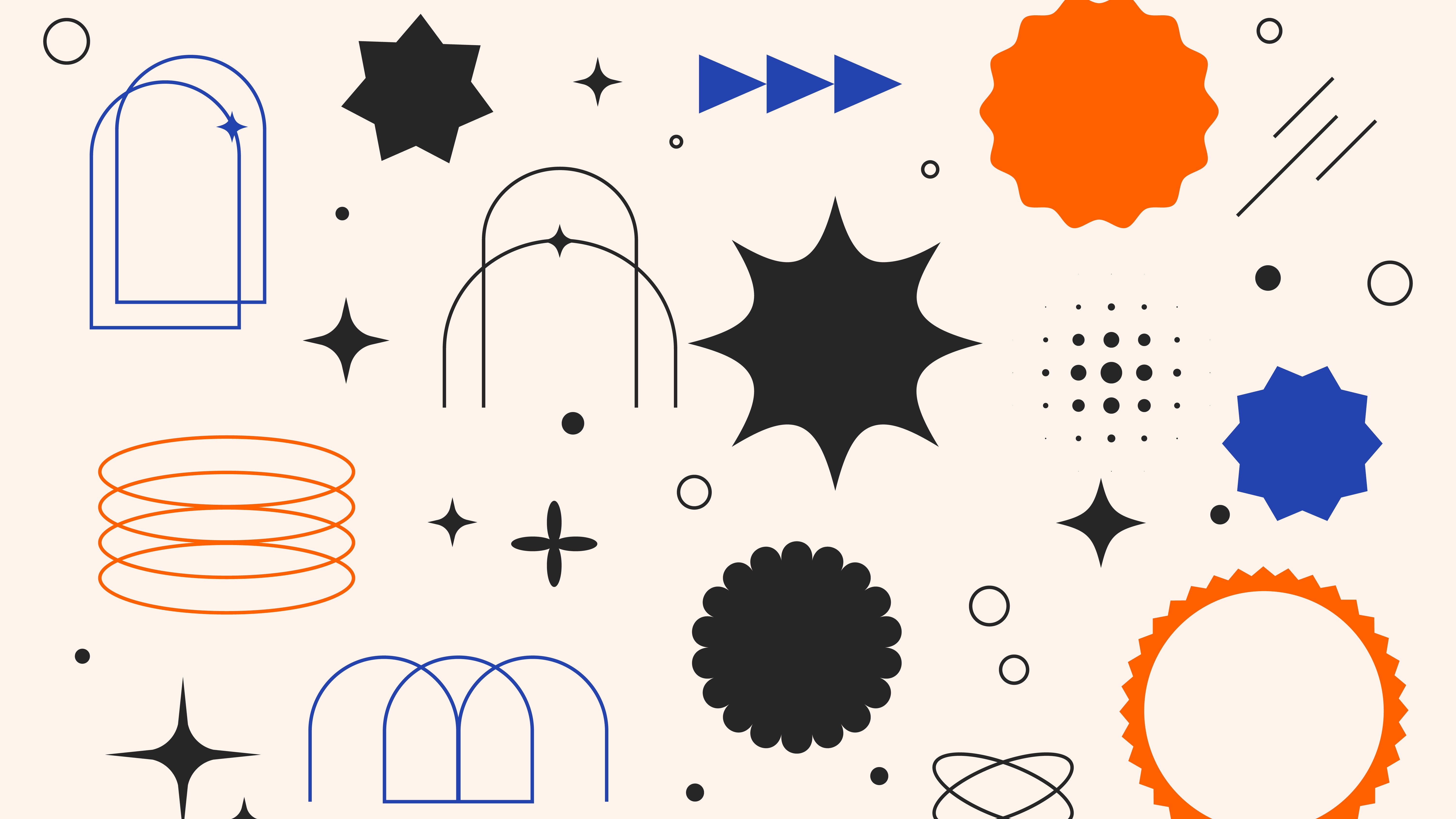
Not every design element needs to be built manually. Ready-made components can speed up projects while maintaining quality.
Shapes.Gallery
Provides beautiful shape collections for modern designs and presentations.
Flectofy
Useful for abstract backgrounds and visual elements.
Magnify
Offers graphics that help add depth and visual interest.
Haikei
A favorite among designers for generating blobs, waves, gradients, and abstract backgrounds.
SVG Repo
Thousands of free SVG graphics available for commercial use.
UI8 (Paid)
Premium design resources including templates, illustrations, icons, and interface kits.
Craftwork
Offers design assets for both graphic and UI designers.
Flowbase
Provides website components, templates, and design resources.
Best Websites for Stock Images
A design is only as strong as the images it uses. Poor-quality photos can make even the best layouts feel unprofessional.
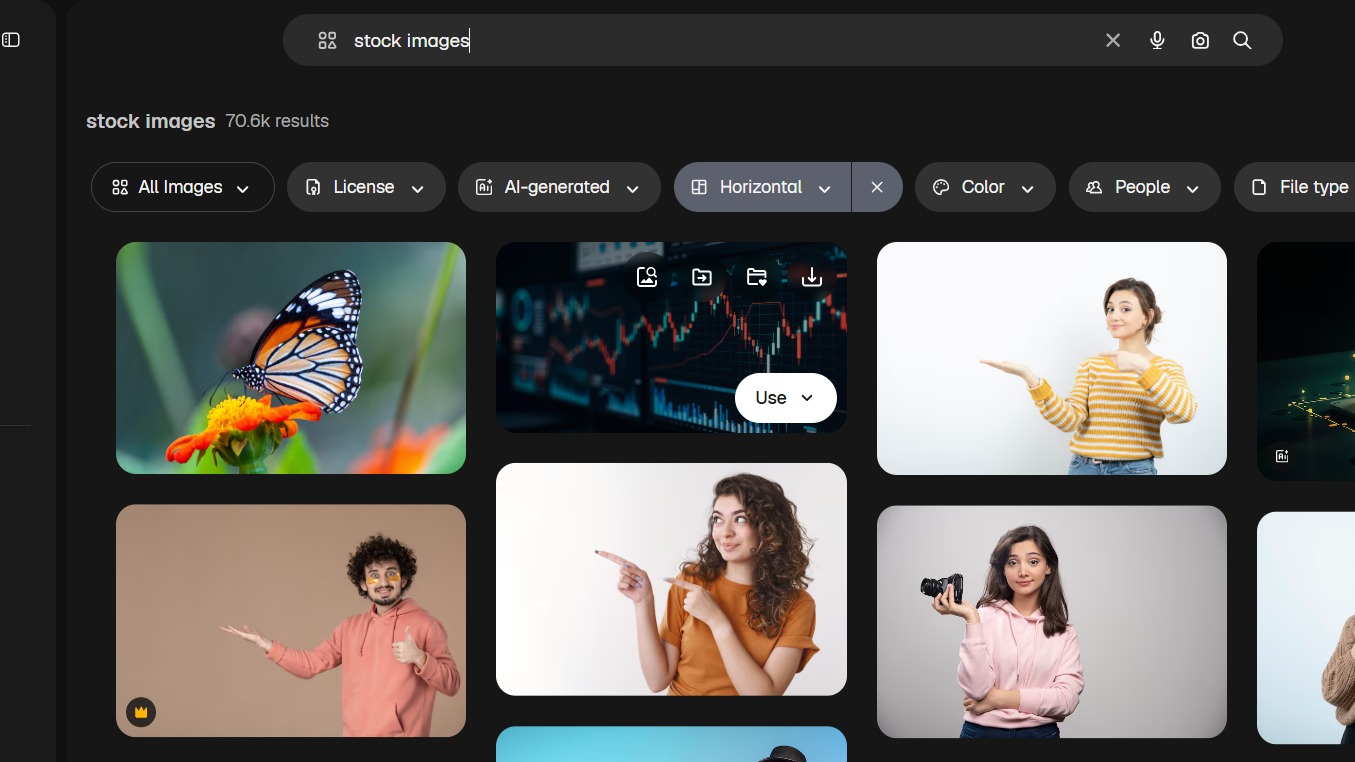
Unsplash
One of the most popular free image platforms. Excellent for lifestyle, business, nature, and travel photography.
Pexels
Offers both photos and videos. Great for social media and marketing projects.
Pixabay
A huge collection of royalty-free images and graphics.
Magnific
Provides photos, vectors, illustrations, and design assets.
Shutterstock (Paid)
One of the largest premium stock image libraries available.
Envato Elements (Paid)
Offers stock photos alongside fonts, mockups, templates, and more.
Kaboompics
Particularly useful for lifestyle and branding photography.
Death to Stock (Paid)
Known for artistic and less generic stock photography.
Where to Find Icons and Illustrations
Icons help people understand information quickly. Instead of reading lengthy text, users can instantly recognize symbols.

Icon Resources
Flaticon (Paid)
Huge collection of icons for almost every category imaginable.
Icons8
Offers icons, illustrations, and design assets.
The Noun Project
Known for simple and consistent icon styles.
Phosphor Icons
Modern and flexible icon collection.
Lucide Icons
Open-source icons widely used in digital products.
Material Symbols
Google's icon library used across many applications.
Illustration Resources
Storyset
Customizable illustrations perfect for websites and presentations.
Blush
Create and edit illustration scenes without drawing.
DrawKit
Professional illustration packs.
ManyPixels
Free illustration collections for various industries.
Ouch by Icons8
Modern illustrations for branding and web projects.
Best Mockup Resources for Graphic Designers
Mockups help clients visualize designs in real-world situations. Instead of showing a logo on a plain white background, you can show it on a storefront, business card, or packaging box.

Mockup World
One of the most trusted free mockup websites.
Placeit (Paid)
Allows quick creation of realistic product presentations.
LS Graphics
Known for premium-quality mockups.
Unblast
Offers free and premium mockup collections.
Mr.Mockup (Paid)
Popular among branding designers.
Mockups Design
Excellent collection of free PSD mockups.
Best Sources for Textures, Backgrounds and Patterns
Sometimes a design feels too flat. Textures help solve that problem. They add depth, character, and visual interest.
Texturelabs
Excellent for vintage, paper, grain, and distressed textures.
Envato Elements (Paid)
Offers premium texture libraries.
Magnify
Provides texture packs and pattern resources.
Hero Patterns
Simple repeating SVG patterns.
Subtle Patterns
Minimal textures for backgrounds.
Colour Palette and Branding Resources
Colour influences perception more than most beginners realise. Understanding colour theory can help designers choose combinations that communicate the right mood and strengthen a brand's visual identity. People often judge brands before reading a single word.
Coolors
Quickly generates colour palettes.
Adobe Color
Helps create harmonious colour combinations.
Colour Hunt
Curated colour palette collections.
Brandfetch
Useful for researching existing brand identities.
Happy Hues
Shows colour palettes in practical website examples.
Khroma
Uses AI to generate personalised colour suggestions.
Muzli Colors
Provides trending colour combinations. When building a brand, consistency matters.
Hidden Resources Professional Designers Use
Many beginners never discover these resources until much later.
Packaging References
Packaging of the World
Features packaging projects from around the globe.
The Dieline
One of the best packaging design publications available.
Editorial References
Issuu
Thousands of magazines, brochures, and editorial publications.
BP&O
Outstanding branding and packaging case studies.
AI Tools That Can Help Graphic Designers
AI won't replace creativity, but it can save time. These are just some of the graphic design tools designers can use to speed up brainstorming, visual exploration, and everyday creative workflows.
ChatGPT
Useful for brainstorming concepts, generating content ideas, and creating design briefs.
Adobe Firefly
Helps generate images and creative variations.
Midjourney
Popular for creating visual concepts and moodboards.
Relume AI
Useful for planning website structures and content layouts.
Figma AI
Assists with design workflows inside Figma.
The key is using AI as an assistant rather than a replacement for design thinking.
How Professional Designers Organise Their Resources
Collecting resources is only half the job.
Organization matters just as much.
Bookmark Folders
Create separate folders for:
Fonts
Inspiration
Mockups
Icons
Textures
Stock Images
Build Resource Libraries
Save your favourite websites instead of searching repeatedly.
Create Moodboards
Use Pinterest, Cosmos, or Figma boards to collect project inspiration.
Organise Font Collections
Group fonts by category such as serif, sans serif, display, luxury, modern, and vintage.
Create Project Folders
Keep assets organized by client and project type. This habit alone can save countless hours in the future.
Conclusion
Knowing where to find great fonts, mockups, icons, images, and design inspiration can make your work easier. But becoming a good designer isn't about having the most resources. It's about knowing how to use them to create designs that communicate ideas, solve problems, and connect with people.
As you continue exploring these resources, keep practising, experimenting, and learning from the work around you. Every project teaches something new.
If you're looking to build a career in design and want proper guidance, hands-on projects, and industry-relevant skills, joining a Graphic Designing Course in Kerala can be a great next step. With the right training and consistent practice, you can turn your creativity into a profession and start building a portfolio that opens real career opportunities.